


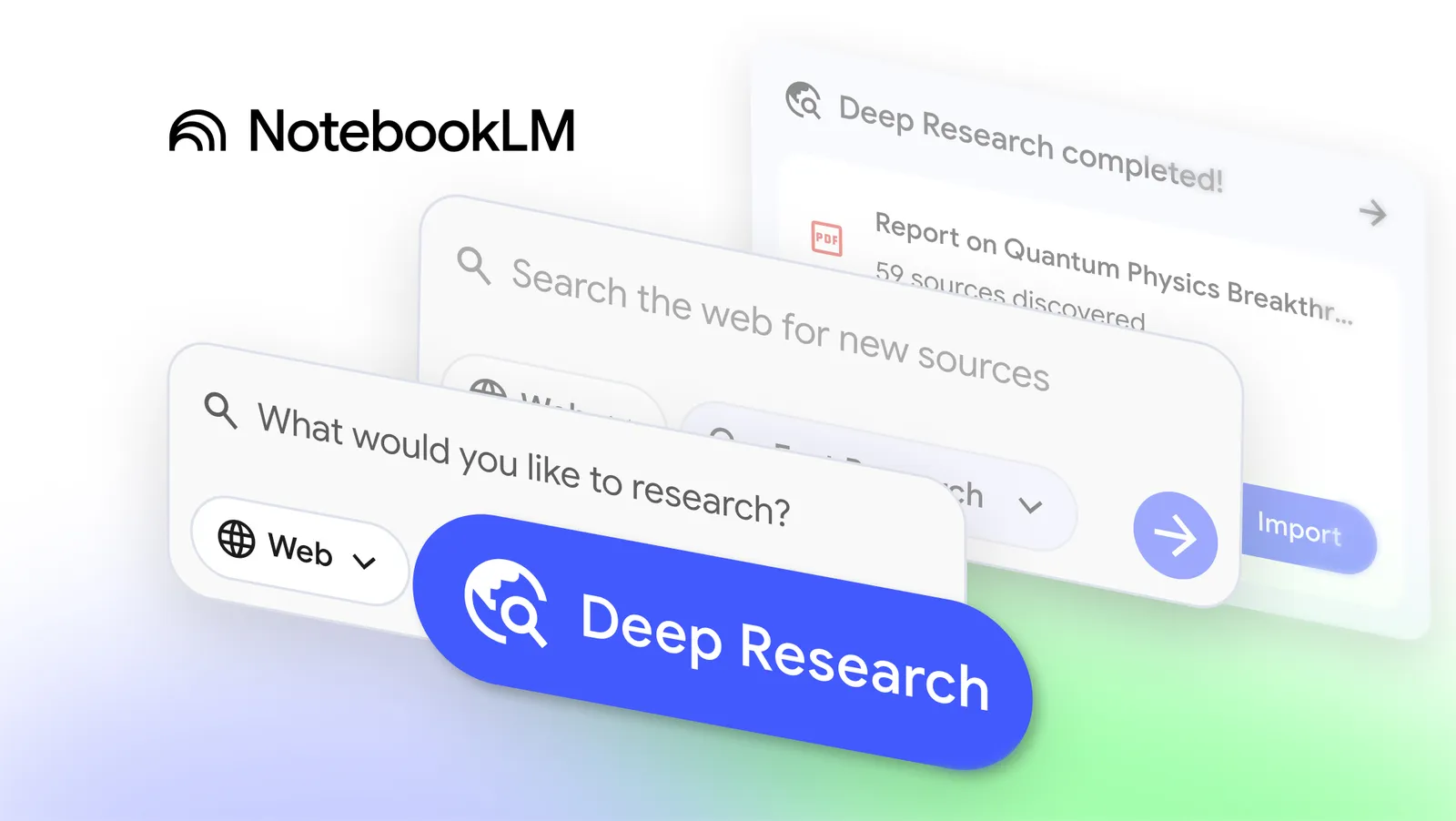
Have you ever dreamed of an intelligent research assistant that automatically scours hundreds of websites to deliver detailed, insightful reports? NotebookLM has just updated with the Deep Research feature along with support for a wider variety of file types, turning that dream into reality. Let's explore how these changes help you build a solid knowledge base, save time, and elevate your research efficiency!
Deep Research: Your Personal Research Assistant That Never Stops Working
The foundation of any research project is a set of reliable sources. Now, Deep Research is your "companion" that helps you expand resources intelligently and automatically.
How Does Deep Research Work?
- Smart planning: You ask a question, and Deep Research creates a detailed research plan on its own.
- Extensive web browsing: It scans hundreds of websites, refining searches in real time to ensure accuracy.
- High-quality reports: In just a few minutes, you get a clearly structured report with transparent sourcing.
The best part? The report is just the beginning! You can:
- Add the report and its sources directly to your notebook.
- Continue working while Deep Research runs in the background.
- Use Audio/Video Overviews to transform data into easy-to-understand, engaging content.
Two Flexible Research Modes
- Fast Research: Ideal for quick searches. It rapidly scans for information, allowing you to review and import sources immediately.
- Deep Research feature: Designed for in-depth analysis. It finds high-quality sources and runs in the background so you’re not interrupted.
Quick tip: Start from the source panel, select "Web," and guide Deep Research to focus on a specific area – for example: "Find AI in healthcare documents from .edu sites."
Expand Sources with Broader File Support
Your work isn’t limited to plain text, so your research tool shouldn’t be either. Based on community feedback, NotebookLM is adding a host of new file formats:
New Supported File Types
- Google Sheets: Import structured data, ask about key statistics, or generate automatic summaries from spreadsheets.
- Drive files via URL: Paste Drive links just like regular websites, even multiple links separated by commas.
- Images: Upload photos of handwritten notes, brochures, or scanned documents – turn anything into analyzable sources.
- PDFs from Google Drive: Add reports or ebooks directly without downloading.
- Microsoft Word (.docx): Easily analyze notes, drafts, or long documents.
All these features will roll out to all users over the next week, with image support arriving in the coming weeks.
Get Started Today to Accelerate Your Research
Imagine: A notebook filled with Deep Research reports, Google Sheets data, handwritten note images, and Word documents – all seamlessly connected, ready to create compelling Audio Overviews or impressive video summaries.
Try Deep Research and the new file types now to turn NotebookLM into your personal research hub. You’ll be amazed at how quickly you can build deep knowledge without ever leaving your familiar workflow!
For the latest AI updates, visit here or Youtube.