





In today's technology landscape, learning and processing complex information is becoming easier thanks to advanced AI tools. One of the recent notable updates is the expansion of the Video Overviews feature on Google NotebookLM, which now supports Vietnamese along with many other languages. This opens up opportunities for millions of users worldwide, transforming lengthy documents into concise, engaging videos. Let's dive deeper into how this feature is changing the way we approach knowledge.
Latest Update for the Video Overviews Feature on NotebookLM
Just about a month after its launch, Google has swiftly introduced a major update to the Video Overviews feature on the NotebookLM platform. This update not only focuses on improving content quality but also expands multilingual support, providing a more comprehensive experience for global users.

Specifically, the Video Overviews feature can now handle over 80 different languages, including Chinese, Italian, French, Portuguese, and notably Vietnamese. Previously, this feature was limited to English, making it challenging for users in other regions to access. This addition makes summary videos more approachable, aligning with users' native languages, thereby enhancing learning efficiency and information sharing.
Beyond that, audio summaries (Audio Overviews) have also been significantly upgraded. They now have longer durations, with more profound and detailed content, similar to the English version. This means users can receive in-depth analyses that go beyond the surface and delve into the complex aspects of the documents. For instance, if researching a scientific report spanning hundreds of pages, this feature will summarize key points logically, accompanied by detailed explanations for better understanding.
This update is being rolled out gradually worldwide and is expected to be fully completed within the next week, bringing convenience to all NotebookLM users. It's an important step forward, demonstrating that Google is listening to community feedback and continuously improving the product to meet diverse needs.
NotebookLM: An Effective Learning Tool from Google
NotebookLM is recognized as one of Google's most powerful learning tools, specifically designed to support the analysis and summarization of information from user-uploaded documents. This platform acts as an intelligent AI assistant, helping to quickly grasp key concepts from complex sources, ranging from academic articles to business reports or research materials.
The standout benefit of NotebookLM lies in its smart information organization capabilities. Instead of skimming through numerous pages, users can upload documents and let AI handle the processing, extracting main ideas, creating diagrams, charts, and even generating knowledge-check questions. This is particularly useful for students, researchers, teachers, or anyone needing to manage large amounts of information in a short time.
With AI integration, NotebookLM doesn't just stop at summarization but also supports interaction, such as answering questions based on the uploaded materials. For example, when preparing for a presentation, this tool can help create a detailed outline, complete with supporting data from the original sources. In the context of increasingly developing digital education, NotebookLM is becoming an indispensable companion, optimizing time and enhancing learning effectiveness.
Details About the Video Overviews Feature: Turning Documents into Engaging Videos
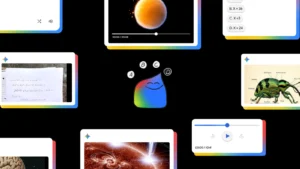
The Video Overviews feature (translated as Video Overview) is the most prominent highlight of NotebookLM, offering the ability to automatically convert document sources in notes into professional presentation videos. AI takes on the narration role, turning dry content into captivating stories with illustrative visuals.
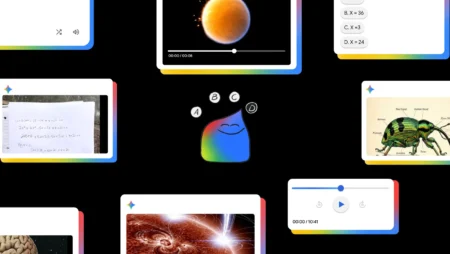
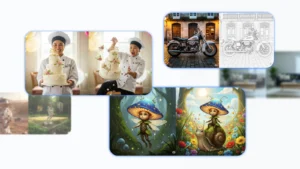
Specifically, AI will extract images, diagrams, quotes, and data directly from the original text to integrate into the video. This helps distill complex information into easy-to-understand content, accompanied by visual elements to increase appeal. For example, if the document is a research paper on climate change, the video will include statistical charts, illustrative images, and step-by-step explanations, making absorption more interesting than reading plain text.
With Vietnamese support, this feature becomes more user-friendly for the community in Vietnam. Users can hear natural-sounding narration in Vietnamese, making it easy to grasp without language barriers. Moreover, the videos are designed to be concise, typically lasting from a few minutes to over ten minutes depending on the document's complexity, suitable for quick learning or exam review.
Compared to other summarization tools, Video Overviews stands out due to its high interactivity and customization capabilities. Users can adjust the content to focus on specific topics, making the video not just a summary but also a personalized learning resource.
Detailed Guide on Creating Summary Videos on NotebookLM
Using the Video Overviews feature is quite simple, requiring just a few basic steps. Below is a detailed guide to get started right away.
Preparing Documents for the Video
First, open an existing note (notebook) or create a new one on NotebookLM. Users need editing rights to perform operations. Next, upload the source documents you want to summarize, such as PDF files, Word documents, or even web links. Ensure the documents are clear and well-structured for AI to process effectively.
For example, if preparing for a learning project, upload related articles, personal notes, and statistical data. NotebookLM will automatically analyze and organize them into logical sections, ready for the video creation step.
Starting the Video Creation Process
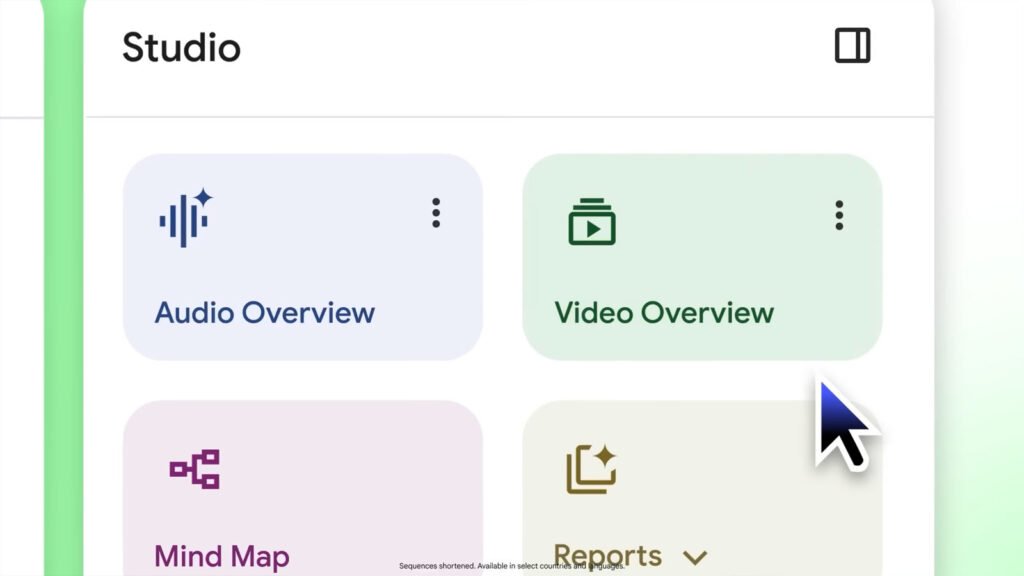
In the “Studio” control panel of NotebookLM, select the “Video Overview” option to initiate the process. This runs in the background, meaning other tasks can continue without interruption. The creation time may vary depending on the length and complexity of the document, but it usually takes only a few minutes to half an hour.
Once the video is complete, a notification will appear, and it can be viewed immediately. This is a quick way to turn ideas into visual content, especially useful for preparing lectures or reports.
Advanced Customization for a More Perfect Video
To make the video better suit needs, click on the three-dot menu next to “Video Overviews” and select “Customize.” Here, the output language can be chosen, such as Vietnamese to match local audiences. Additionally, enter a steering prompt to guide AI in focusing on specific topics, targeting certain audiences, or adding supplementary context.
The default language will be based on the preferred settings in the Google account, but this customization allows for high flexibility. For instance, if the video is for high school students, AI can be requested to use simple language, accompanied by real-life examples to enhance educational value.
Important Notes When Using the Video Overviews Feature
Although this feature is very powerful, there are some notes to ensure the best experience. First, regarding accuracy: The video, including voice and images, is generated by AI, so it may contain inaccurate information or minor audio errors. Always cross-check with the original documents to avoid misunderstandings.
Second, video creation time can be extended depending on the document, so patience and prior planning are advised. Finally, currently, the NotebookLM mobile app does not support video creation, so prioritize using it on a computer for full features.
These notes help users maximize the tool without surprises, while encouraging verification and editing to achieve the highest quality video.
Managing and Sharing Summary Videos Easily

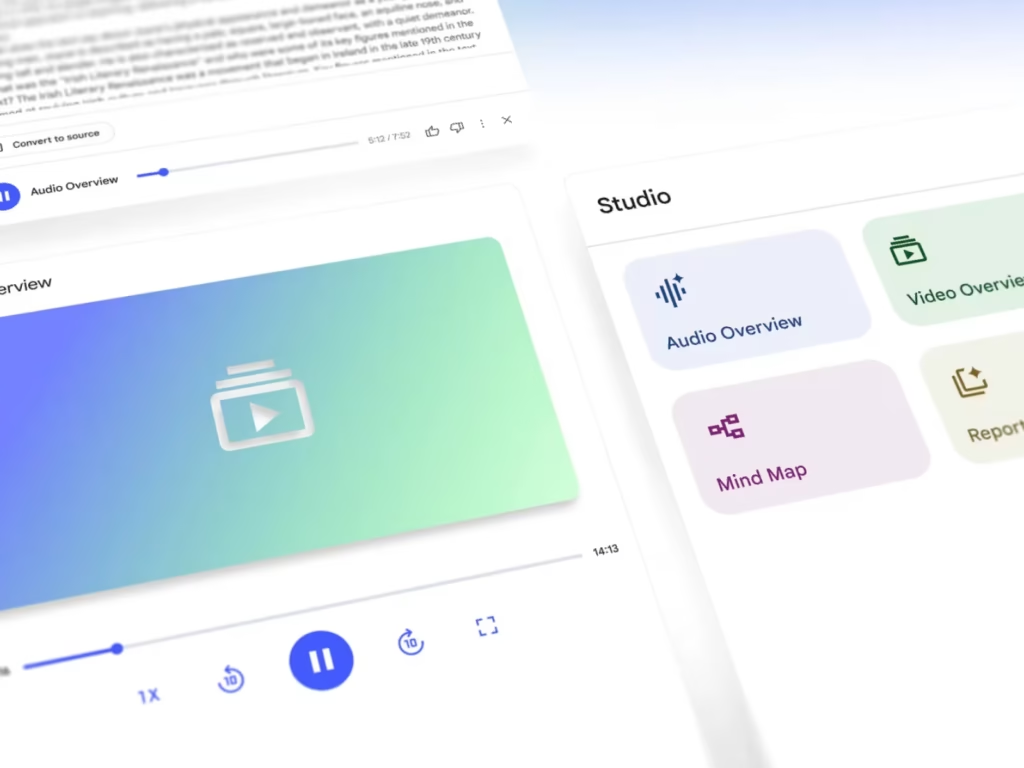
After the video is created, management is straightforward with controls like changing playback speed, fast-forwarding/rewinding via the slider, or viewing in full screen. This makes reviewing convenient, akin to a professional lecture.
For sharing, there are three main ways to spread the content:
- Sharing via Link: Select “Share” in the video player. Ensure the note is set to public mode (“Anyone with a link”) and grant full access (“full notebook”). Note that this feature is currently only for personal accounts, not supporting Workspace Enterprise or Education.
- Sharing the Entire Note: Recipients will access the video through the “Studio” panel of the note, suitable for group work or sharing with colleagues.
- Downloading the Video: Select “Download” to save it as an MP4 file and share directly via email, social media, or other platforms.
These options make the video not just a personal tool but also an effective way to share knowledge, especially in online learning environments.
With this update, Google NotebookLM is affirming its position as a leading learning tool, particularly with Vietnamese support making it easier for users in Vietnam to access. Try it out to experience the convenience that AI brings to daily information processing.
For the latest AI updates, visit here or Youtube.